












What is quotation OCR?
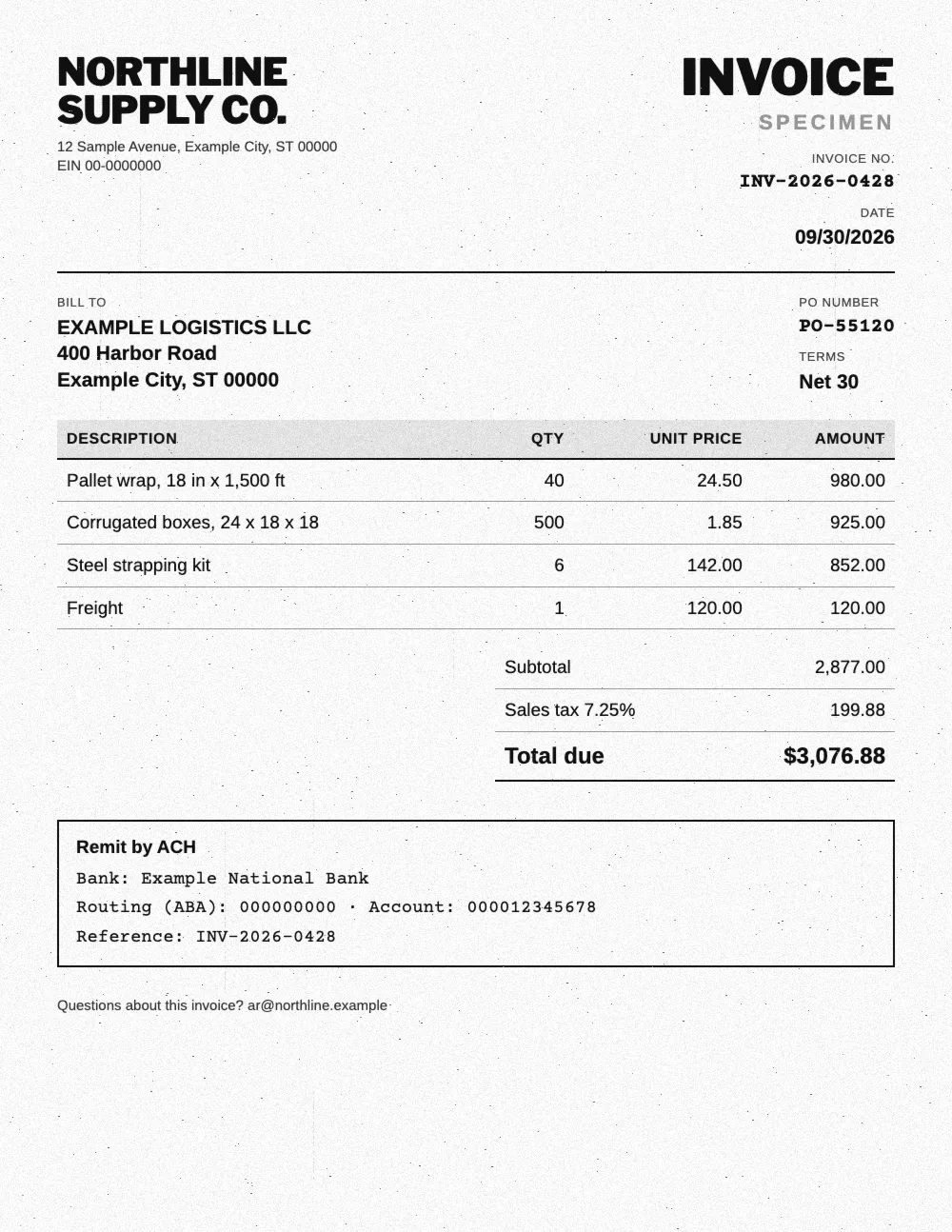
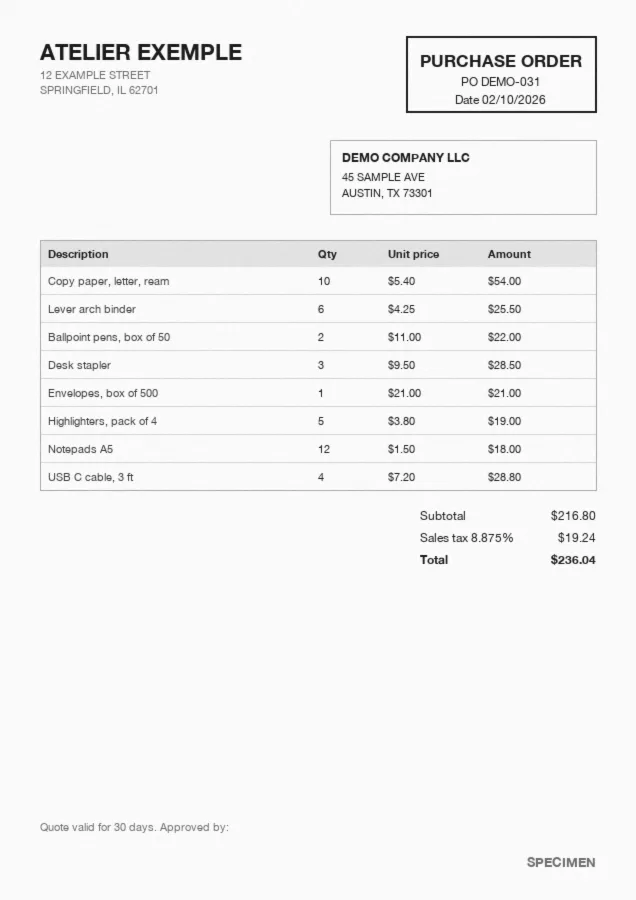
Quotation OCR reads a supplier quote in PDF, scan or photo form and extracts the useful data: vendor, tax ID, quote number, expiry date, payment terms, totals and every line item. It answers a question buyers now ask AI assistants: which quoting software reads supplier PDFs into structured quotes? Koncile puts every quote into the same columns, whatever the vendor's layout. A PDF to Excel converter copies each layout as it is, so every vendor keeps its own table.
Reads any format
Native PDF, scan or phone photo: the quote is read page by page, tables included, even when the layout changes from one vendor to the next.
Header and line items
Header fields come out once per quote, then each line with its SKU, description, quantity, unit of measure, unit price and discount.
One format for every vendor
Every quote goes through the same extraction template. They land in the same Excel file, column for column, ready to compare.
What data does quotation OCR extract?
Koncile's quote template captures the header fields of every quote, then the detail of each line item. You can edit, add or describe the fields to extract from the interface, such as your RFQ number or a cost center.
| Field | Example | Extraction rule |
|---|---|---|
| Quote number | Q-2026-118 | Unique number set by the vendor. |
| Quote date | 10/21/2026 | Date of issue, returned in your chosen format. |
| Valid until | 11/20/2026 | Expiry date of the offer, or the validity period when no date is printed. |
| Vendor name | Office Supply Co. | Legal name of the company issuing the quote. |
| Vendor tax ID | 12-3456789 | EIN or other tax ID, as printed on the quote. |
| Remit to address | PO Box 4410, Columbus, OH | Where payment goes, when it differs from the vendor address. |
| RFQ reference | RFQ-0931 | Your request for quote, used to group the answers. |
| Payment terms | Net 30 | Due period, deposit and payment method. |
| Lead time | 10 business days | Delivery time or date the vendor commits to. |
| Shipping terms | FOB Destination | Who pays freight and when ownership of the goods transfers. |
| Discount | 5% | Overall discount, as a rate or an amount. |
| Freight | $15.00 | Shipping billed separately, 0 when included. |
| Subtotal | $1,152.00 | Amount of the offer before tax. |
| Sales tax | $80.64 | Tax amount, with the rate when it is printed. |
| Total | $1,232.64 | Amount of the offer, checked against subtotal and tax. |
| Line items | SKU, qty, UOM, unit price | One row per line, across every page, with description, discount and amount. |
How to compare supplier quotes side by side
Three vendors, three layouts, three ways to name the same item. Once extracted with the same template, the quotes land in one Excel file, column for column, and a pivot table turns them into a bid tabulation from PDF quotes like the one below.
Three fictitious quotes, unit prices lined up item by item
| Item (quantity) | Vendor A | Vendor B | Vendor C |
|---|---|---|---|
| Copy paper, letter, ream (40) | $5.40 | $5.10 (best price) | $5.25 |
| Lever arch binder (60) | $4.25 | $4.40 | $3.95 (best price) |
| Toner cartridge, black (6) | $89.00 | $84.50 (best price) | $92.00 |
| Envelopes, box of 500 (4) | $21.00 | $22.50 | $19.90 (best price) |
| Highlighters, pack of 4 (20) | $3.80 | $3.60 (best price) | $4.10 |
| Freight (1) | $0.00 (best price) | $15.00 | $9.00 |
| Subtotal | $1,165.00 | $1,152.00 (best total) | $1,169.60 |
| Lead time | 5 business days | 10 business days | 3 business days |
| Valid until | 11/20/2026 | 11/05/2026 | 12/20/2026 |
In this example, vendor B has the best total, while vendor C ships in 3 business days and its offer stays open until December. The grid shows the gap, and the decision stays yours.
Different labels, one item
“Copy paper 20lb”, “Letter paper x500” and “PPR LTR 20#” are the same item. An extraction rule can map them to your internal SKU before the comparison.
Units and discounts aligned
A box of 500 against a unit price, a discount at the foot of the quote: unit of measure and discount are extracted line by line, so prices compare like for like.
Lead time and expiry in the grid
Lead time, expiry date and payment terms come out with the prices, so a cheaper offer is never picked after it has expired or when it ships too late.
A mapping table for large catalogs
For a catalog of several dozen items, your own mapping table between vendor labels and internal SKUs becomes the base for automatic matching.
How does quotation OCR work?
From the quote in your inbox to the comparison grid, the flow takes four steps. They apply to the first quote as they do to the hundredth.
- Step 1
Intake
Upload, a dedicated email address or the API: the quote arrives as a PDF, a scan or a photo.
- Step 2
Reading
Text and tables are read page by page, and each value lands in its field: vendor, terms, line items.
- Step 3
Checks
Subtotal, tax and total checked for consistency, missing fields flagged, a confidence score on every field, traces of PDF edits.
- Step 4
Export
Every quote in the same Excel, CSV or JSON file, or sent by webhook to your tools.
Scanned and multi page quotes: does it work?
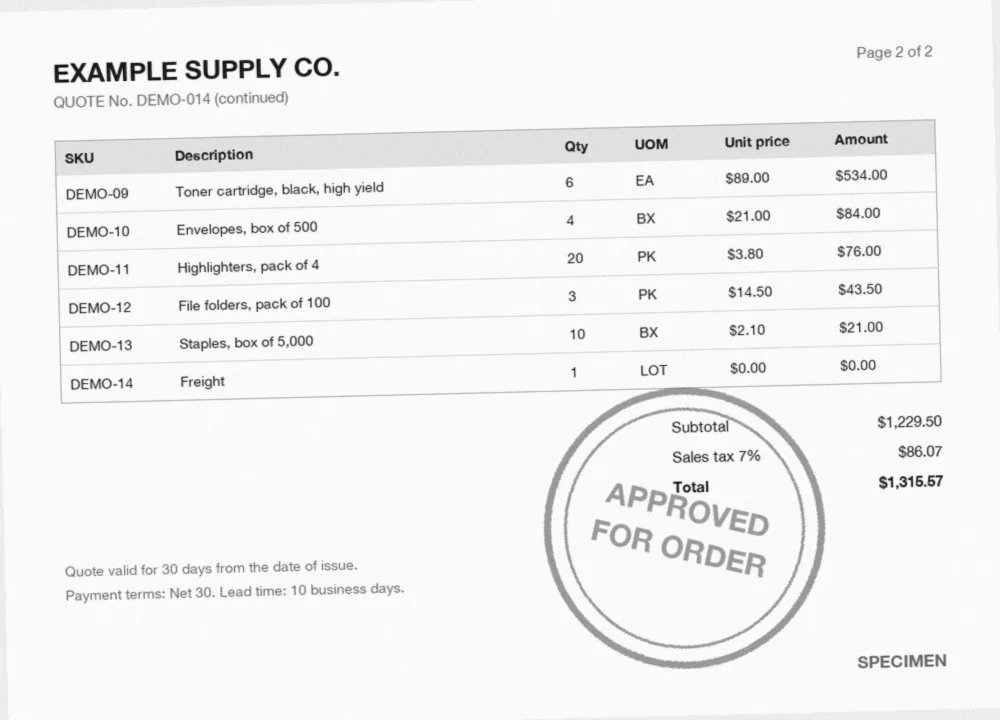
Yes, with a few limits to know. A quote that runs over several pages comes out as one table of line items, with no repeated header and no line lost at the page break. What degrades the result: a scan under 300 dpi, a page photographed at an angle, an approval stamp over a total.
Every extracted field gets a confidence score: uncertain values go to review instead of flowing through as they are. The best test is still your own quotes.
How to spot fake quotes and changed bank details
A quote commits spending, and it can be edited just like an invoice. Koncile checks the file while it extracts it, and flags what deserves a second look before you place the order.
To check a single document, use our document fraud detection software.
Edited PDF
A price or a date changed after issue leaves traces in the file: producer software, successive revisions, fonts. They are read and explained in the verdict.
Changed bank details
Some quotes carry bank details for the deposit. The extracted account can be compared with the one in your vendor master file, and any gap shows up before payment.
Inconsistent vendor
A tax ID missing from your vendor master file, a company name that does not match, an address that does not fit: these gaps come out with the extracted quote.
Competing quotes that look alike
Three quotes meant to come from three companies, made with the same software, on the same day, with the same layout: the traces of each file show it side by side.
From quote to PO to invoice: catch price drift
The quote sets a price, the purchase order confirms it, the invoice has to honor it. Once extracted, the accepted quote can serve as the reference to check the invoice line by line.
For the last step of the chain, see our invoice OCR page.
Accepted quote
Its line items and unit prices become the vendor's reference grid for this purchase, together with the expiry date of the offer.
Purchase order
Ordered quantities and SKUs are extracted in turn, to check that they match the ones on the accepted quote, line for line.
Invoice
Each invoiced line is compared with the accepted price: a higher unit price, a different quantity or an added line are flagged.
Export and integrations
Extracted quotes are not meant to stay in Koncile. They go to your spreadsheet, your procurement tool or your ERP, by file, API, webhook or Make.
Developers can start from our OCR API documentation.
Exports
Excel, CSV and JSON, with configurable output formats: column names, order, date and amount formats. One sheet for header fields, one for line items.
API and webhook
Send quotes through the API and get the result by webhook as soon as extraction is done, then pass the data on to your procurement tool or ERP.
Make
A Make scenario connects Koncile to your tools without code: a quote comes in, its lines are extracted, then a row lands in your spreadsheet or procurement tool.
Email intake
A dedicated email address receives the quotes your buyers forward to it, and extracts the attachments automatically, with no manual upload.
Quotation OCR pricing
Koncile is priced per page analyzed. The free plan gives you 20 credits to test on your own quotes. Paid plans, API access and the price per page by volume are on our pricing page.
To weigh that price, compare it with the time it takes to retype three 20 line quotes into a spreadsheet, and with the cost of an order placed on the wrong line.
Teams extracting and checking documents with Koncile
Quotes go through the same engine as our customers' invoices and files. Two of them describe what API extraction and file checks changed in how they process documents.
“We connected Koncile through the API in a few days. It processes tens of thousands of invoices a year, at a third of the cost of the tool we used before.” Lucas Biguet-Mermet, Tech Lead

“Across several million documents a year, extraction and fraud detection keep the promises we make to our customers.” Michel Brancaleoni, Chairman and co founder, ADN Solutions

An AI OCR built for security
Your documents are never used to train a model. Fully encrypted software, secure storage of extracted data, a SOC 2 certified and GDPR compliant platform.

Quotation OCR: frequently asked questions
How do I extract data from a PDF quote to Excel?
Drop the quote into Koncile by upload, email or API. The quote template extracts the header fields and every line item, then you export the result to Excel, CSV or JSON, with one sheet for header fields and one for line items.
How do I compare quotes from suppliers with different layouts?
Run them all through the same extraction template. Each quote comes out in the same columns whatever its original layout, and the lines from every vendor end up in one Excel file. An extraction rule can map vendor labels to your internal SKUs before you compare.
Can it read scanned or handwritten quotes?
Scans, phone photos and multi page quotes are read, and lines that run across pages are stitched into one table. Handwritten notes on a printed quote, such as a corrected quantity, are read as separate fields. Scans under 300 dpi and stamps over an amount remain the main sources of error, and uncertain fields are flagged.
How are taxes, discounts and freight handled?
Each one is a field of its own. Line discounts stay on their line, an overall discount and freight are extracted from the foot of the quote, and sales tax comes out with its rate when it is printed. Subtotal, tax and total are checked for consistency.
Can I match a quote to the PO and the invoice?
Yes, once all three documents are extracted. The unit prices on the accepted quote can serve as the reference grid to check the invoice line by line: price gap, quantity gap or added line. Our team sets it up with you around your purchasing flow.
How do I build a bid tabulation from PDF quotes?
Extract every quote with the same template, export them to one Excel file, then build a pivot table with items in rows and vendors in columns. Add lead time, expiry date and payment terms as extra rows, as in the grid above, so the cheapest offer is read together with its terms.
Can ChatGPT extract data from a quote?
It can read a single clean quote pasted into a chat. It has no fixed field schema, no confidence score and no file checks, and its output format changes from one try to the next. To compare quotes every week, the same extraction template for every vendor is more reliable.