








Read our white paper on AI forgeries in 2026
New AI fake detection model. Try it now
4.6 / 5 on Trustpilot

Reliable and customizable AI-powered OCR software for all your energy bills
‍

Koncile's AI OCR, a solution for extracting data from energy bills, powered by AI, finally reliable, customizable and available as an API.

  • 22k+ users
  • SOC 2 and GDPR
  • Try for free
  • SOC 2 Type II, GDPR
  • Deleted after analysis
  • Never used to train an AI

For document volumes or an API, talk to an expert.

Check your own document

Analyzed securely by Koncile. Never used to train a model, deleted as soon as the analysis is complete.

  • SOC 2 Type II, GDPR
  • Secure servers
  • Deleted after analysis

For document volumes or an API, talk to an expert.

Used by insurers, banks and large companies to process their documents

4.8 / 5
Definition

The OCR that extracts detailed billing line items

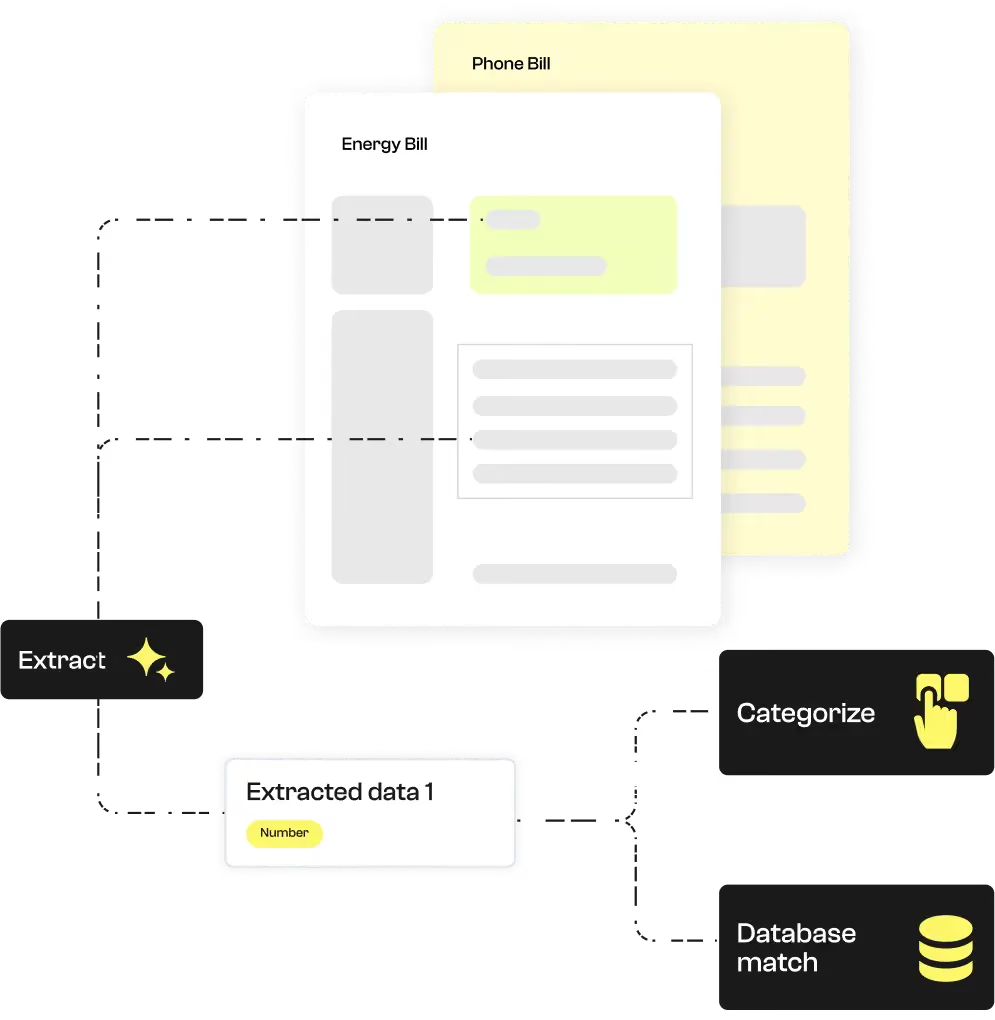
Koncile’s energy bill OCR is ideal for organizing and quickly processing information from electronic invoices, extracting key data such as customer name, billing address, energy consumption, total amount due, issue date, due date, and contract number.

It also helps detect inconsistencies or errors across large volumes of documents.

Simply upload your energy bills in image or PDF format into the Koncile OCR software to obtain structured data in spreadsheet, JSON, or database formatready for seamless machine processing.

Scan PDF to text automatically extracting information from an energy bill, such as customer name, billing address, energy consumption, total amount due, issue date, due date, due date, and contract number.
Extracted fields

Comprehensive data extraction with our OCR built for energy bills

Koncile’s Invoice OCR streamlines the processing of energy bills by automating the reading and structuring of information, regardless of the supplier or document format.

It automatically identifies relevant data points and organizes them according to your business needs, such as consumption tracking, invoice amount verification, contract matching, or integration with your management systems.

This approach fully aligns with the growing adoption of electronic invoicing, ensuring fast, reliable, and standardized processing at scale.

FieldExampleExtraction rule
Last name of the holderDoe
First names of the holderJohnAll the first names of the holder.
Customer contract numberCL1234567891234Often composed of 2 letters then 13 numbers.
Type of energyElectricityThe type of energy can appear under terms such as: electricity, gas, gas, heating, fuel, renewable energy, biomass, fuel, etc.
Address of the holder1 Highway Street, New York, NY 10001, USA
Total amount including taxes1,200.00
Due dateMay 15, 2025
Why Koncile

Why choose Koncile OCR for your energy bills? ‍

99% reliability

Unmatched accuracy in accounting data processing

With a success rate above 99%, our OCR engine delivers exceptional accuracy in extracting key data from accounting documents.

Every piece of information: amounts, dates, invoice numbers, or accounting references is reliably captured.

Thanks to our built-in anomaly detection system, errors, inconsistencies, or signs of document fraud detection are flagged early, enabling automated quality control and faster decision-making.
Multilingual OCR accounting

Multilingual OCR for your invoices

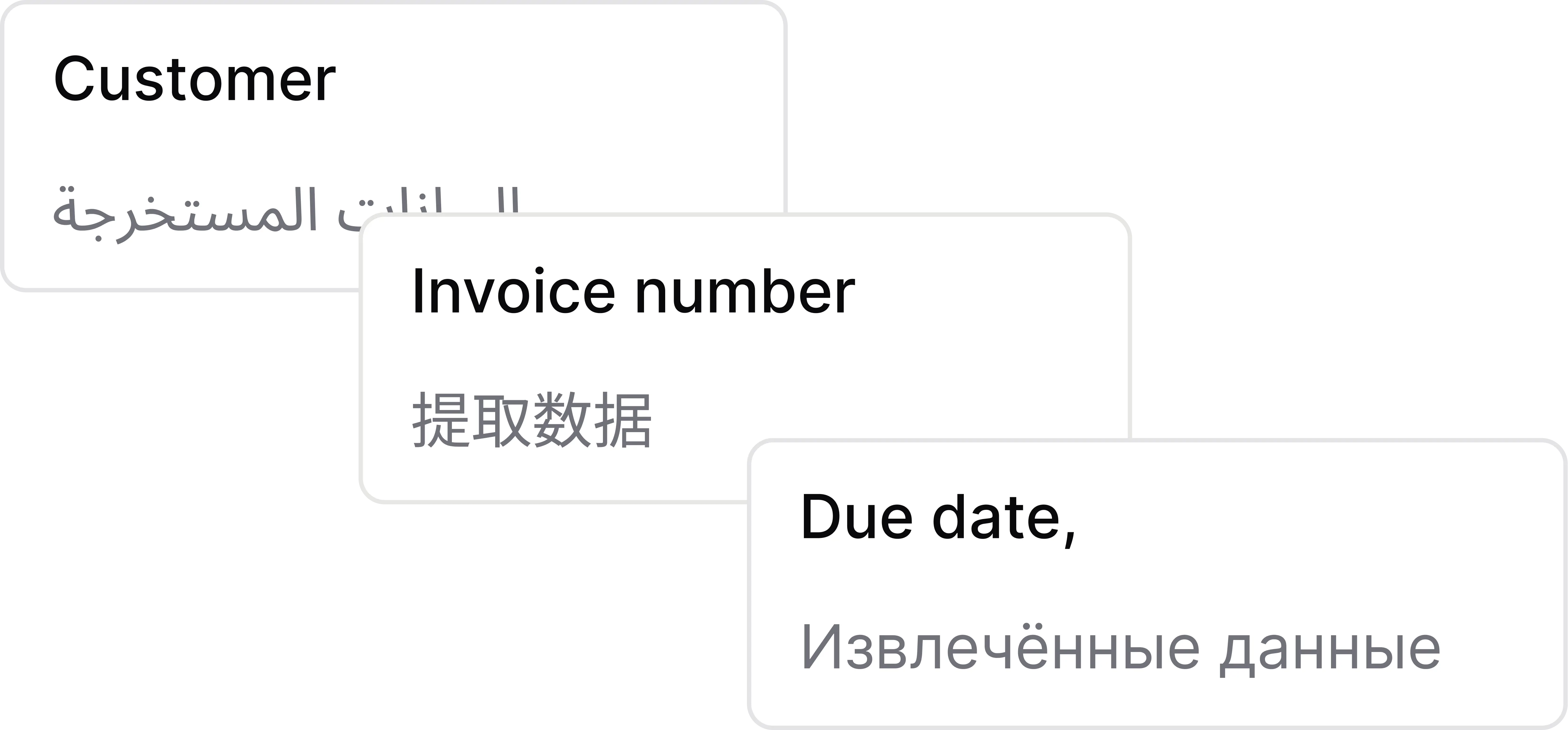
Our OCR engine, enhanced by advanced language models (LLMs), accurately recognizes alphabets and languages from around the world, making accounting data extraction seamless.

Whether the documents are in Chinese, Arabic, Cyrillic, Japanese, or any other language, Koncile identifies key fields amounts, dates, invoice numbers and enables automatic translation.

Digitize, extract, and centralize your accounting data with ease, even in complex multilingual environments, while ensuring optimal and compliant financial document management.

OCR accounting integration

Integrated with your tools

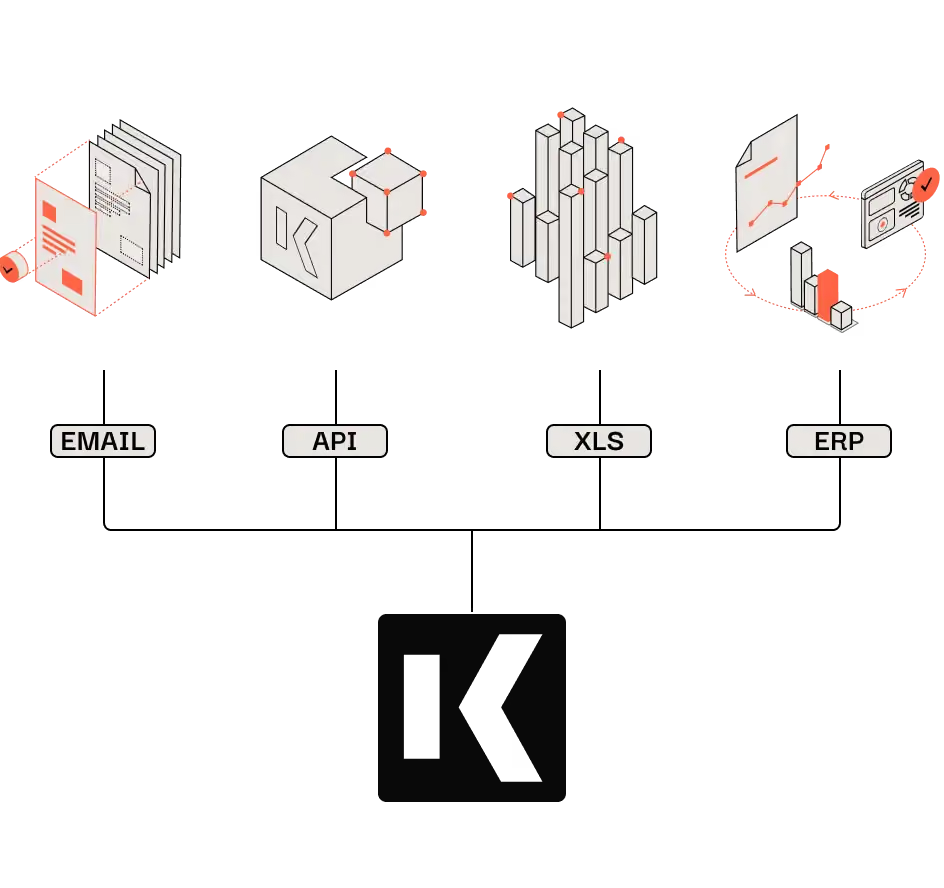
Koncile integrates perfectly into your digital ecosystem: connection via API, automatic import from your emails or direct synchronization with your ERP.

Easily import documents, trigger automated extractions, and retrieve structured data where you need it.

Whether you use Excel, Outlook, SAP or another business tool, Koncile adapts to your workflow to simplify document management and maximize your productivity gains.

Features

An OCR solution adapted to capture energy bill data

Automatic extraction of information from energy bills

Name of the holder, amount due, due date, date, energy consumption, customer number, etc. Automatically extracts key data from paper or digital energy bills.

From energy bills to a database

Facilitate the management of energy bills by transforming your documents into structured and usable data, ready to be integrated into your management systems.

Multi-format processing

Easily manage and standardize energy bill information in various formats (image, PDF, etc.). Whether it's a scan of a paper invoice or a PDF version, Koncile OCR allows you to easily extract information.

Parsing energy bills via API

Create a comprehensive database of energy bills, integrated into an application and accessible via API. This automation allows you to track the history of consumption and improve payment processing.

Beyond OCR: Validation and verification of extracted fields

Is the information on the energy bill correct? Is consumption properly described? Is the amount to be paid valid? Are there inconsistencies or errors in customer data? Optimize the management of energy bills with intelligent OCR, allowing you to automate the verification and validation of data.

Security

An AI OCR designed for security ‍

No training on your data. Fully encrypted software. Secure storage of extracted data. RGPD compliant.

Our security policy
  • SOC 2 badge (AICPA Service Organization Control)
  • GDPR Compliant badge

Frequently asked questions: Energy bill OCR

Short answers, with numbers when we have them.

Talk to us
  1. OCR analyzes the energy bill using computer vision algorithms to detect and read characters. With natural language understanding (NLP), OCR can identify critical information. This process ensures accurate extraction of structured and unstructured data from the document.

  2. Yes, you can extract specific information from an energy bill, such as consumption, amount to be paid, billing period, or customer number. OCR can be set up to extract this data based on the sections or formats you are dealing with.

  3. You can upload your energy bills in PDF, PNG, or JPEG format. These formats are compatible with our OCR technology, allowing accurate extraction of the information contained in the document. Consult the documenting for more details on accepted formats and the upload process.

  4. Yes, OCR is capable of processing printed or handwritten energy bills. If the document is handwritten, OCR uses advanced techniques to recognize handwritten characters and convert them into digital text, while ensuring the accuracy of the extracted data.

  5. The software is accessible via a powerful OCR API, with comprehensive documentation available. Plus, you can upload documents directly into the app and export the extracted data to XLSX, XLS, CSV, or JSON for seamless integration into your workflows.

  6. Check our API documentation, contact us at contact@koncile.ai. You can also create a demo account or book a demonstration with our team.

  7. Koncile offers 3 plans, including enterprise options for handling large volumes of data. You can check our pricing on our pricing page.

  8. In each extraction template, you will find:

    • General fields: These are pieces of information that appear only once in each document (e.g., the invoice number or the invoice date).
    • Repeated fields: These are pieces of information that appear multiple times in a document, such as item descriptions or prices in each line of a quote. Use repeated fields for extracting tables and charts from your documents.

Automate your document processing with Koncile

Upload your invoices, statements or purchase orders: Koncile extracts the data, checks it and sends it to your tools, by API or in Excel.

Talk to an expert