













Creator and Producer
The software that created the document and the one that wrote the PDF. A bank statement comes out of a banking production chain; Word, Canva or a PDF editor have no business there.
Drop a PDF: the tool shows the software that created it, its dates, its saved versions and its hidden elements, and flags what gives an edit away.
The document checker used by insurers, banks and large companies
 4.8 / 5
Every PDF keeps a trace of the tools that produced and edited it. Eight pieces of information matter when spotting an edited document.
The software that created the document and the one that wrote the PDF. A bank statement comes out of a banking production chain; Word, Canva or a PDF editor have no business there.
A gap of several days between the two, or a modification dated before creation, points to a file that was reopened and saved again.
A PDF edited without being rewritten keeps its successive versions one after the other. Every added version is an edit.
A retyped amount often appears in a font that differs from the rest of the document, or is embedded differently.
Banking production chains often leave them empty. A Windows user name, a Word file title or "Untitled" gives away a document that went through a desktop.
It keeps the creating tool, document identifiers and sometimes the save history. An instance ID that differs from the original points to a new save.
An issuer always produces the same version, 1.4 or 1.7 for example. A version that differs from its usual documents means the file was rewritten by another tool.
A document locked at issue that arrives unlocked deserves a question: online editors often strip the original protection.
Three checks catch most edited PDFs. The viewer above runs all of them in a single read.
A modification dated several days after creation, or dates that differ between the Info dictionary and the XMP block, points to a file that was reopened and saved again.
An edit is appended at the end of the file, after the original. Several revisions, or a revision that rewrites the content of a page, give an edit away.
The declared Producer can lie. The bytes often keep the signature of the editing tool, iLovePDF, MuPDF or an online editor, even when the metadata was cleaned.
Metadata is evidence, not proof. Four cases to know before drawing a conclusion.
An annotation, a signature or a simple merge saves the file again and changes its dates without touching the content. A revision has to be read, not just counted.
A careful fraudster rewrites the Producer and the dates. Only the bytes of the file, the fonts and the pixels then give the edit away.
A document printed then scanned or photographed loses its original metadata. The analysis then has to look at the image itself.
A Producer is only suspicious when compared with the usual documents of the bank, employer or vendor. That is what the full Koncile analysis does.
The Properties window of a PDF reader shows four fields. The Koncile extractor reads the whole file, just like our fake document detector.
Info dictionary, XMP block, format version, embedded fonts, encryption: everything the PDF declares about itself, in a single read.
iText, Skia, Ghostscript or MuPDF leave their signature in the bytes of the file. The extractor spots it even when the original Producer was kept.
An edit is appended at the end of the file and leaves the earlier metadata in place. The extractor reads them revision by revision: the before and the after.
Every anomaly is stated in one sentence and ranked: an alert for a PDF editor or rewritten dates, a medium signal for a merging tool such as iLovePDF.
The file is read in your browser. No upload, no storage, no sign up: you can use it on a sensitive document.
When a signal stands out, the Koncile checker goes further: pixels, calculations, comparison with the issuer and a fraud score from 0 to 100.
It is the information a file keeps about itself, on top of the content you see: the software that created it and the one that wrote it, creation and modification dates, author, title, saved versions. It sits in the Info dictionary and in the XMP block.
It is a tool that reads the information a PDF keeps about itself: creating software, dates, author, saved versions, fonts and the XMP block. The Koncile extractor goes further and reveals the hidden traces left by the software that rewrote the file.
Because a PDF keeps a trace of every piece of software that touched it. A statement or a pay stub comes out of a specific tool; an online editor, a rewritten date or a revision added after issue show up in the file, even when the page looks untouched.
Drop the file into the tool above. A modification date later than the creation date, several saved revisions, a writing tool missing from the declared metadata or a font embedded twice are signs of editing. None of them proves a fake on its own: what counts is how they add up.
Yes. The Koncile viewer reads the file directly in your browser: nothing is uploaded or stored. It shows the Info dictionary, the full XMP block, revisions, fonts, images and the hidden traces left by software.
Drop the file into the tool above: it shows the creating software, the PDF producer, the dates, the number of saved versions and the fonts. Acrobat or Preview show part of it in the document properties.
No. The PDF is read in your browser, on your computer. Nothing is sent to or kept by Koncile.
Often. A native document keeps at least its producer and dates. Missing metadata usually means the file was cleaned or rewritten by a tool.
No. It gives clues, not a verdict. Koncile's fake document detector compares it with the issuer's known template and adds analysis of the file structure, the amounts and the image.
Each document gets its own method: a proprietary ML model for photos, known metadata and forensics for native PDFs, and contextual cross checks.
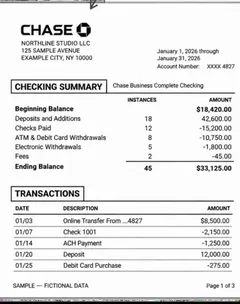
Inflated balances, deleted lines, a PDF rewritten with software other than the bank's.
See the detection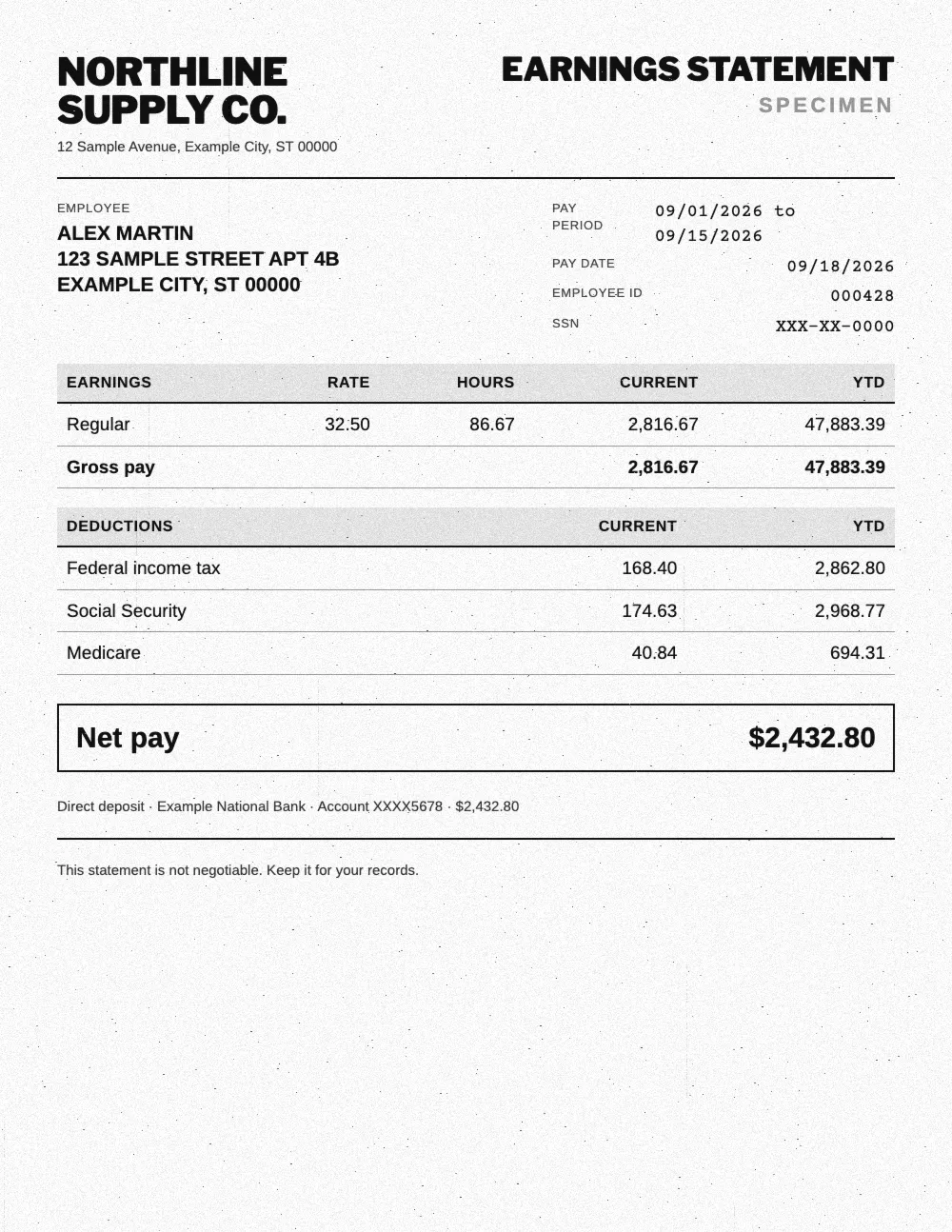
Net pay changed, contributions that do not match gross pay, a layout that does not match the payroll software.
See the detection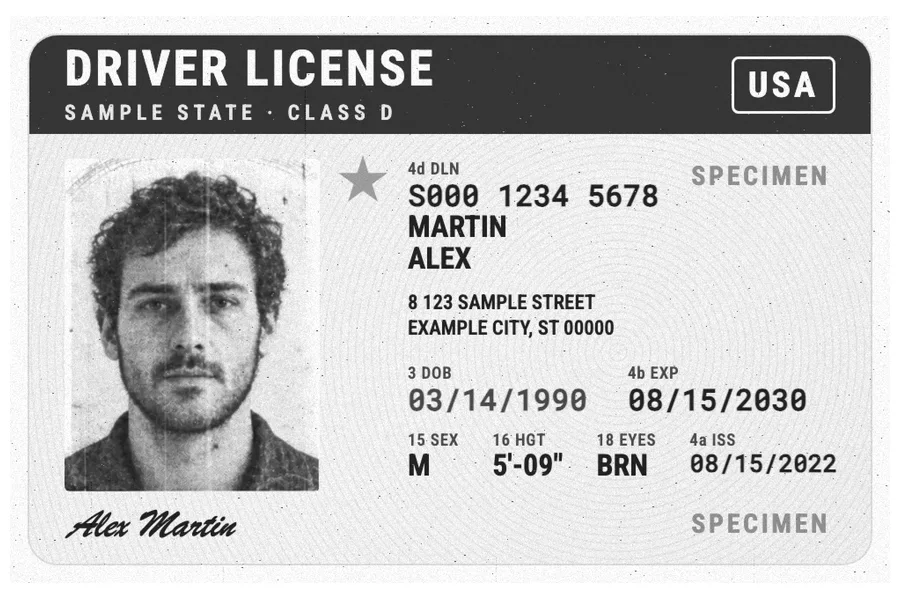
Photo replaced, date of birth or number changed, an MRZ that no longer matches the fields.
See the detection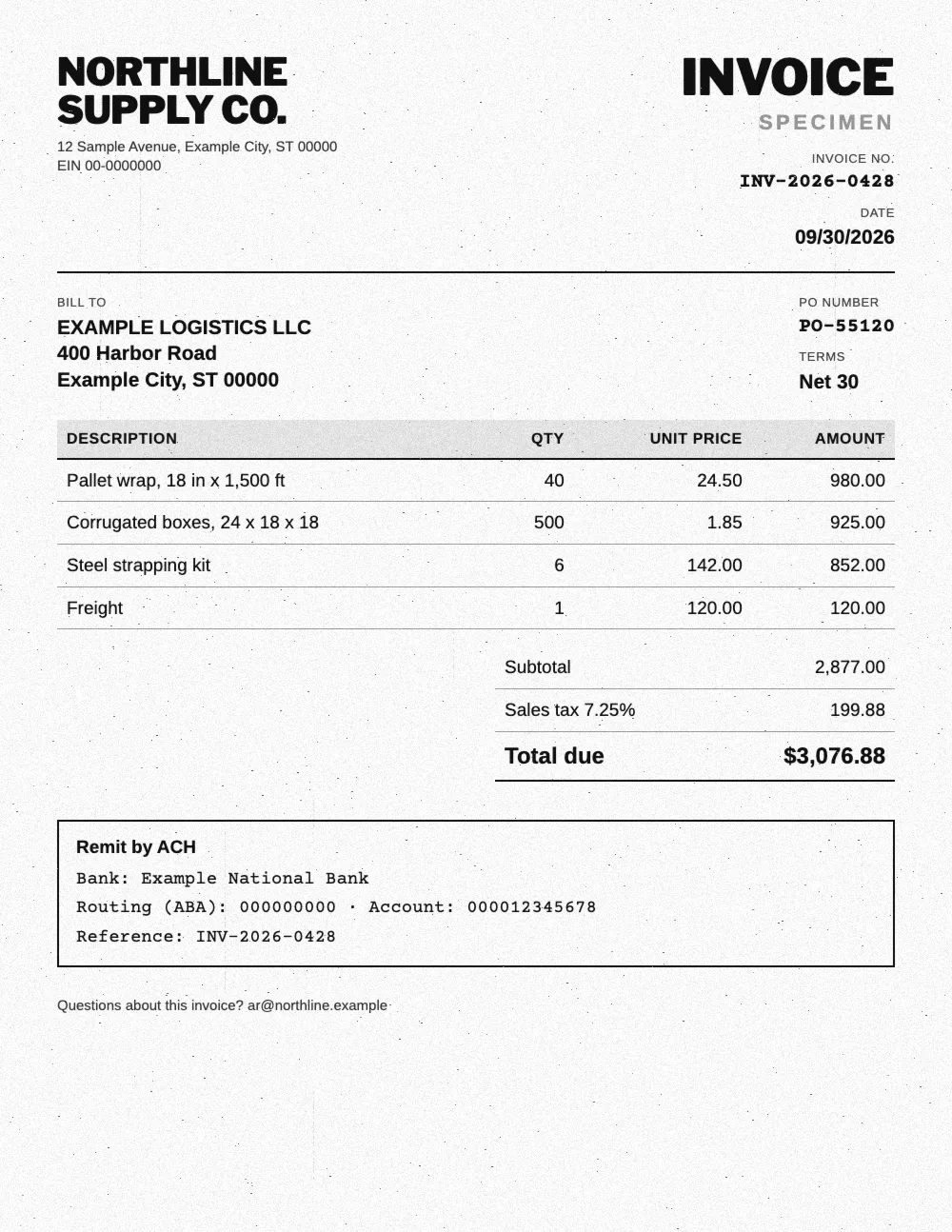
Edited amounts, wrong VAT, duplicates and made up suppliers.
See the detectionUpload your bank statements, pay stubs or IDs: Koncile extracts the data and flags fakes in seconds.
Talk to an expert