











Design generation
Green cards and work permits have been redesigned several times, and older designs stay valid until they expire. A fake often mixes two.
Koncile detects tampering in the photo, scan or PDF of a green card, work permit or foreign residence permit, and documents generated or edited by AI, then returns a fraud score from 0 to 100. Design version and dates come next.
Create a free account to run the analysis.
Create a free accountFor document volumes or an API, talk to an expert.
The document checker used by insurers, banks and large companies
 4.8 / 5
Identify the card and its design generation first, then check the fonts, the alignment, the security background, the photo, the validity dates and the category. On a file, read the editing traces too. For a new hire, Form I-9 and E-Verify confirm work authorization; for everyone else who receives a copy, the file check flags the cards that deserve a closer look.
Green cards and work permits have been redesigned several times, and older designs stay valid until they expire. A fake often mixes two.
Each field has its font, weight and baseline. A retyped name or date drifts by a pixel or two, or changes font.
The fine pattern must run unbroken under the text and the photo. A smooth or repeated patch gives away an erased field.
Edges too sharp, light from another side, a grain that differs from the card: the classic signs of a swapped portrait.
Issue date, expiry and category must fit the card type: a conditional resident card and a ten year card do not run for the same time.
On a scan or a PDF: editing software, AI generator marks, two save dates. The eye cannot see them, the file keeps them.
Residence permits almost always arrive as a photo or a scan. The checker runs the same checks as on an ID document: the image first, to catch an edit or an AI generated card, then the template of each design, the dates and the category. When the card arrives as a PDF, the file is read too.
Every design generation has its own fonts, weights, baselines and margins. A rewritten field drifts by a few pixels or changes font, and a fake often mixes two designs. The full method is on our ID document checker page.
A retyped date breaks the fine background pattern, a cloned field repeats the same texture, and pasted text floats above the pattern. Image analysis picks up these breaks even after a JPEG compression that hides them on screen.
K-Detect, our image model trained on fakes, flags a portrait pasted in or regenerated, and cards generated in whole or in part by AI. The EXIF of the image is read at the same time: device, software, dates.
Issue date, expiry, validity period and category are extracted and cross checked with each other, then with the rest of the file: passport, offer letter, pay stub. A validity period that does not fit the card type does not hold.
When the card arrives as a PDF, the producer software, the dates and the saved versions are read. The serialisation fingerprint points to the engine that produced the file: on ID documents, 1,617 files from a single generator were recognised this way, at once.
The official tools answer whether a person may live or work in the United States. None of them analyses the photo or PDF of a card that someone emailed you.
Employers complete Form I-9 within three business days of the start date. They examine the documents the employee chooses to present, and accept those that reasonably appear to be genuine and to relate to the person. They cannot ask for a specific document, such as a green card rather than another acceptable one.
E-Verify employers run the I-9 data against government records. When the employee presents a green card or an employment authorization card, photo matching shows the photo on file so the employer can compare it with the card. It confirms the record, not the copy someone else received.
USCIS's SAVE program lets government agencies verify immigration status before granting a benefit or a license. It is not open to landlords, lenders or marketplaces, who receive the same cards as photos or PDFs.
Tenant screening, lending, fintech onboarding and marketplaces receive residence permits as files, often from abroad, with no official channel to query. The document itself is what you can check.
A check starts by identifying the card and its version. Forgers who start from a sample found online often mix two generations: that is where they slip.
The green card proves permanent residence. A standard card runs for ten years, a conditional resident card for two. USCIS has redesigned it several times, and older designs stay valid until they expire, so a design mix is the first thing to look for.
The work permit card issued to people allowed to work for a limited period, with a category code and an expiry date. Like the green card, it has gone through several designs. Read the category and the dates first: they are the fields a forger has a reason to change.
Across the European Union, residence permits follow the uniform format of Regulation (EU) 2017/1954, adopted because the previous model had been compromised by counterfeits. Old and new versions circulate until they expire. Koncile's corpus is mostly French: the file checks carry over to any card, the template comparison is strongest on French permits.
Without a tool, these three checks stop clumsy fakes in a few minutes. Ask for the original photos of the front and the back, not a screenshot or a rebuilt PDF.
Find an official sample of the same card and design generation, and compare the layout, fonts and background. A newer design font inside an older frame, or the reverse, is enough to stop the file.
The validity period must fit the card type, the category must allow what the person claims, and the name and date of birth must match the passport and the other documents. An expired card needs the paperwork that extends it.
Follow the fine background pattern under the photo and the fields: it must run unbroken. Be wary of a portrait with edges too sharp or lit from another side.
An authentic card passes every image check when someone other than its holder presents it. That case shows in the file, not on the card.
A borrowed or stolen card is still a real card. Cross check the holder with the passport, the bank details and the lease or contract: a name, a date of birth or an address that disagree need an explanation.
A card can be authentic and the status behind it no longer current. Only official channels, I-9 and E-Verify for employers, SAVE for agencies, say what the status is today.
Koncile's fraud detection API gives you a score from 0 to 100 and detailed explanations of manipulation risks, right inside your own tools.
Front, back, dates and category, field by field.
High, medium or low level, with a one sentence explanation.
High risk from 80.
A one line summary ready for your information system.
curl -X POST https://api.koncile.ai/v1/upload_file \ -H "Authorization: Bearer $API_KEY" \ -F "files=@residence-permit-front.jpg"requests.post("https://api.koncile.ai/v1/upload_file/", headers={"Authorization": f"Bearer {API_KEY}"}, files=[("files", open("residence-permit-front.jpg", "rb"))]){ "status": "DONE", "General_fields": { "Document_type": {"value": "Residence permit", "confidence_score": 0.97}, "Expiry_date": {"value": "2028-06-30", "confidence_score": 0.98} }, "Fraud_detection": { "risk_score": 90, "summary": "Newer design fields laid over an older background, fonts off template", "signals": [ {"name": "Template mismatch", "severity": "high"}, {"name": "Fonts and alignment", "severity": "high"} ] }}Residence permits show up in hiring files, account openings and rental applications. Koncile handles them as an extension of its ID document checks. Here is where the checker fits in.
Copies received before the start date are checked on receipt, so the doubtful ones get a closer look when the employee presents the originals.
Candidates sign up online and upload their cards as photos. The checker is called by API in the sign up flow and returns a score per document.
A residence permit is one of the IDs accepted at account opening. It is checked with the proof of address and the bank details, with the detail of every test kept.
Landlords and lenders receive the card with pay stubs and bank statements. The name and dates are cross checked with the rest of the application.
Some edits leave no visible inconsistency: right name, right dates, the right font to the eye. The checker relies on signals invisible to the naked eye, in the pixels and, when the card arrives as a PDF, in the file itself.
| Card element | What Koncile checks | What gives an edit away |
|---|---|---|
| Portrait | Pixels of the face and its outline, grain, lighting, how it joins the card background | A portrait pasted in, regenerated by AI or with a different grain from the card |
| Security background | Continuity of the fine patterns under the fields and the photo | A pattern broken, smoothed or repeated by a clone stamp |
| Fonts and geometry | Font, weight, baselines and margins of each field, compared with the template of the design | A name or a date retyped that drifts by a few pixels |
| Design generation | Card type and design version identified | Fields of one design laid on the background of another |
| Dates and category | Issue date, expiry, validity period, category | A validity period that does not fit the card type, a category changed |
| Image metadata | EXIF and marks left by AI tools: device, software, dates, C2PA watermarks | Editing software after the phone camera, the mark of a generative AI |
| PDF file | When the card arrives as a PDF: producer software, dates, saved versions, serialisation fingerprint | A PDF saved again in an editor, one image laid over another |
A residence permit brings together a name, a nationality, a date of birth, a number and a photo. Founded by a former lawyer, Koncile was built with data protection at the core of its architecture: third party SOC 2 audit, GDPR compliance, secure hosting. Documents are encrypted, deleted after analysis and never used to train a third party model.


Identify the design generation, then check the fonts, the alignment, the security background, the photo, the dates and the category. On a file, read the EXIF and the metadata too. Employers confirm the record through Form I-9 and, if enrolled, E-Verify. Koncile runs the document checks in 10 seconds and returns a fraud score from 0 to 100.
Through Form I-9: the employer examines the document the employee chooses to present and accepts it if it reasonably appears genuine and relates to the person. E-Verify employers then run the data against government records, with photo matching for green cards and employment authorization cards.
There is no public lookup of green card numbers for businesses. Employers go through Form I-9 and E-Verify, government agencies through SAVE. Anyone else can only check the document they received, which is what the checker does.
A standard permanent resident card runs for ten years, a conditional resident card for two. Permanent residence itself does not expire with the card, but the card must be renewed. A validity period that does not fit the card type is a red flag on a copy.
The green card (Form I-551) proves permanent residence and the right to work. The employment authorization document (Form I-766) allows work for a limited period, within a category printed on the card. Both are accepted on their own for Form I-9.
It can help, mainly to spot an inconsistent date or category. It lacks three things: models specialised in images edited or generated by AI, knowledge of the traces each editing tool leaves, and the templates of each card design, which bring the mismatches out. A language model is only one part of the machine.
No. Official channels confirm status, Koncile analyses the file you received: edits, AI generation, design version, dates and category. The two complete each other. An authentic card presented by someone else can pass the analysis: only the official channels and the rest of the file reveal it.
It depends on your volume. The price combines a base subscription and a cost per page or per document processed. The plans are detailed on the pricing page.
Yes. Koncile complies with SOC 2 and GDPR, and an independent firm certifies our security and data protection. Your documents are hosted securely with a provider that itself holds SOC 2 and ISO 27001 certifications.
Each document gets its own method: a proprietary ML model for photos, known metadata and forensics for native PDFs, and contextual cross checks.
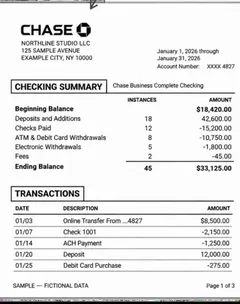
Inflated balances, deleted lines, a PDF rewritten with software other than the bank's.
See the detection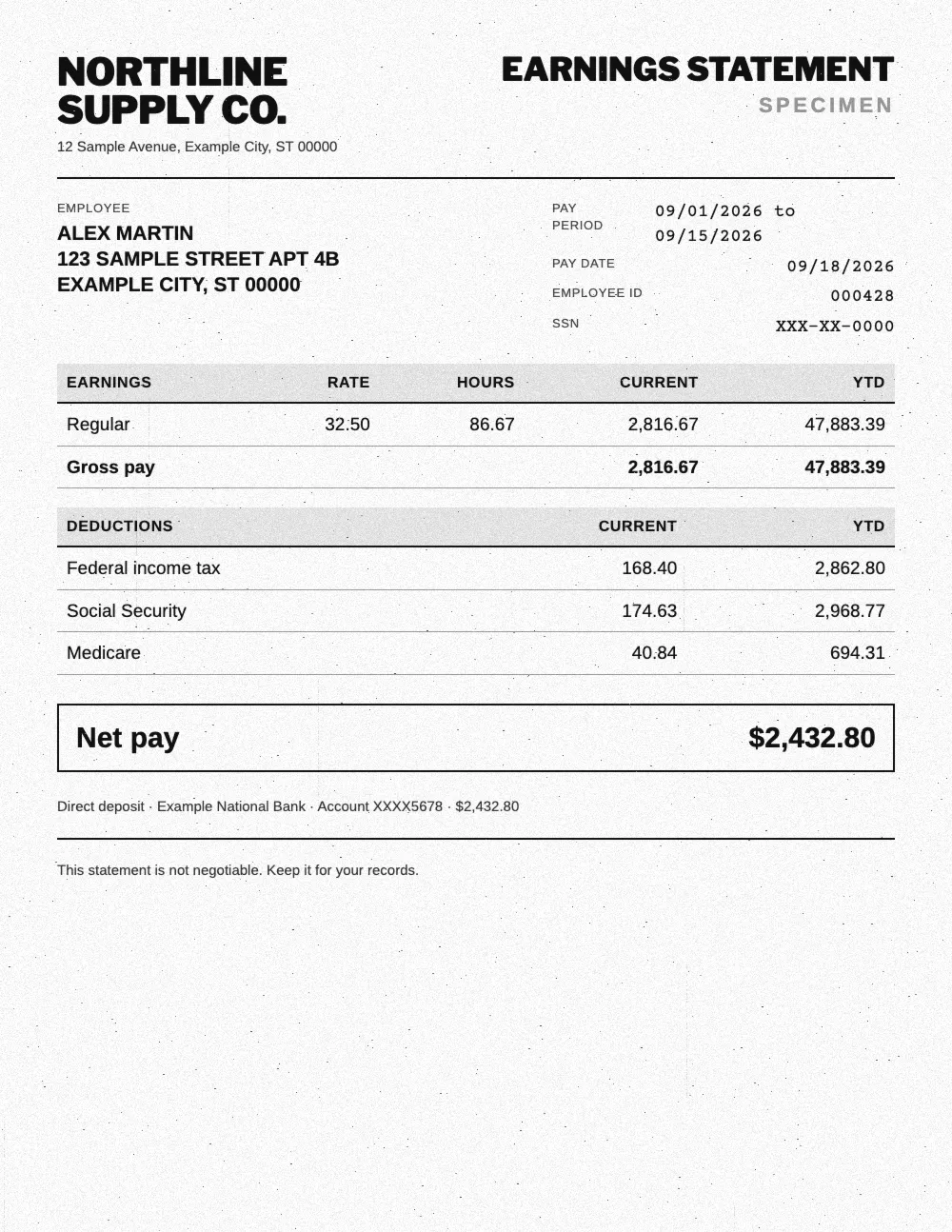
Net pay changed, contributions that do not match gross pay, a layout that does not match the payroll software.
See the detection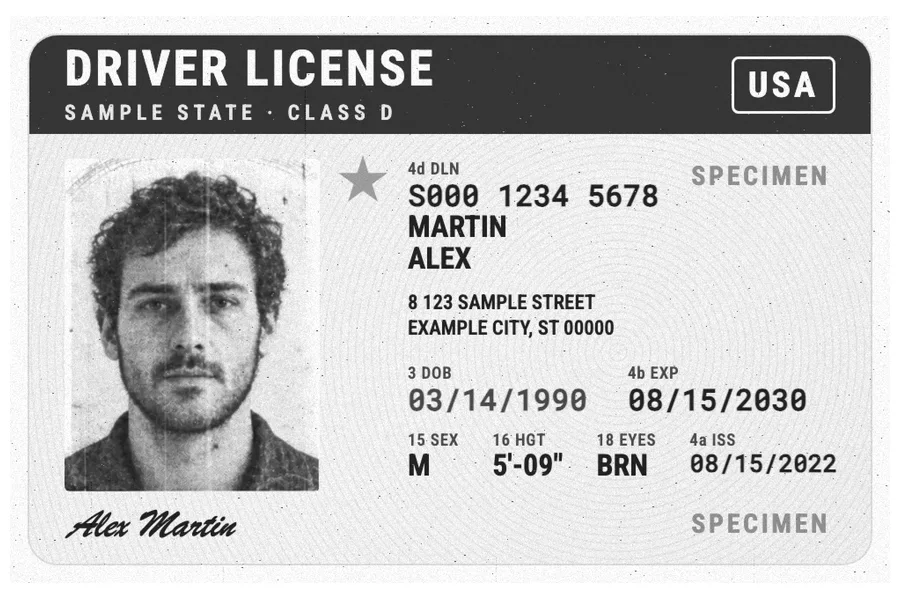
Photo replaced, date of birth or number changed, an MRZ that no longer matches the fields.
See the detection
Edited amounts, wrong VAT, duplicates and made up suppliers.
See the detectionUpload your bank statements, pay stubs or IDs: Koncile extracts the data and flags fakes in seconds.
Talk to an expert